Spreadsheets help businesses start recording information quickly. However, as transactions grow, teams expand, and branches increase, manual files often create delays, duplicates, and conflicting numbers. Custom ERP, CRM, and POS systems establish connected, measurable, and controlled workflows.
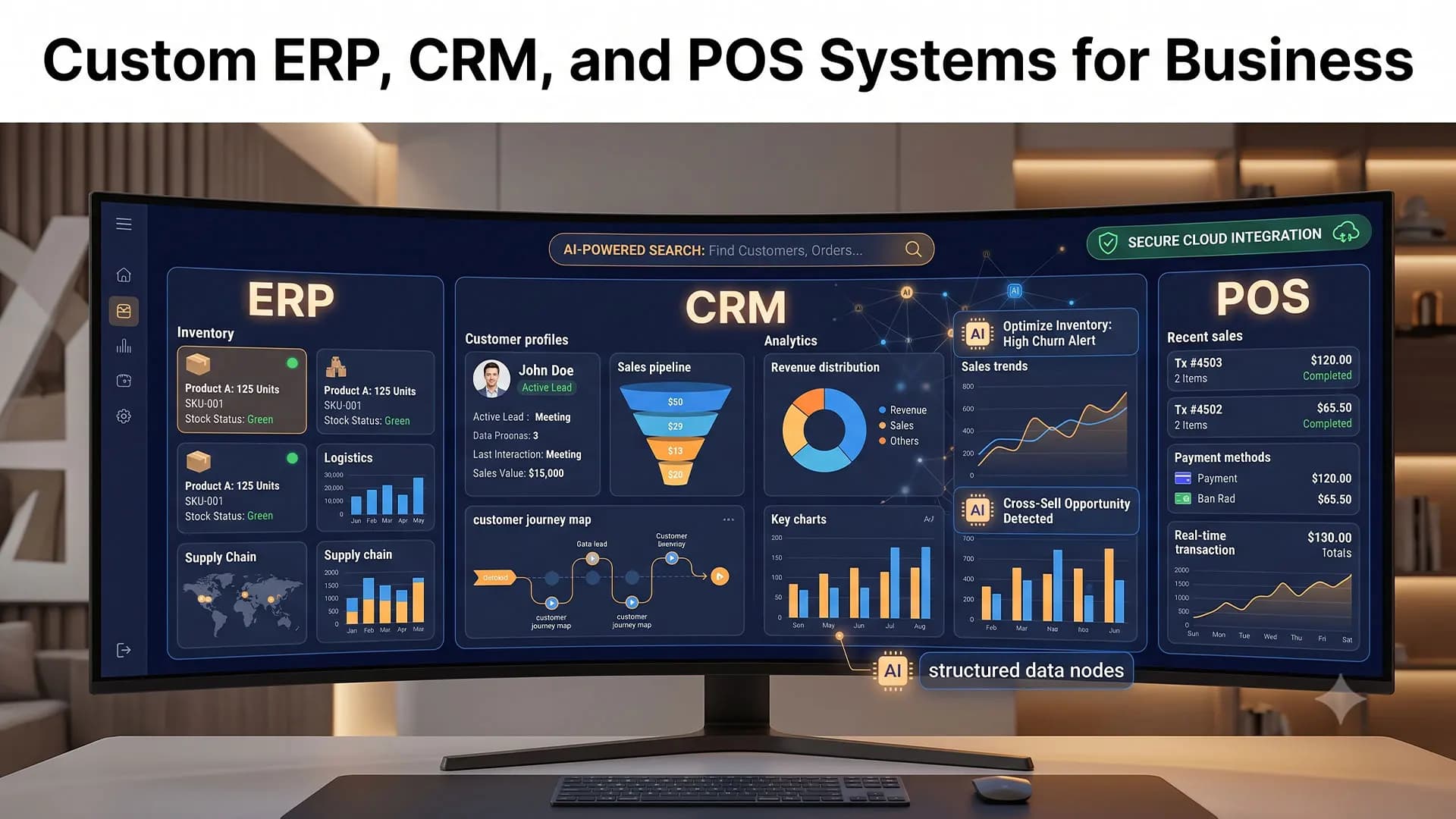
These systems serve different purposes. ERP manages processes across departments. CRM manages relationships with prospects and customers. POS records transactions at the point of sale. Each system can operate independently, but the value increases when data flows between them and supports real business processes.
Why Do Spreadsheets Become a Bottleneck?
Problems begin when one file is used for too many purposes. The sales team maintains its own customer list. The warehouse uses a separate inventory record. Cashiers process transactions in another application. Finance then combines the data manually to prepare reports.
This pattern creates repetitive work and makes errors harder to trace. Management may receive reports after business conditions have already changed. A structured digital system moves critical work into workflows with clear rules, validation, permissions, and activity history.
Custom ERP, CRM, and POS Compared
| System | Primary Focus | Main Users | Business Outcome |
|---|---|---|---|
| ERP | Operations and company resources | Finance, purchasing, warehouse, production, and management | More integrated cross-department processes |
| CRM | Prospects, customers, and sales activity | Sales, marketing, and customer service | Better control of opportunities and service |
| POS | Transactions in stores or outlets | Cashiers, supervisors, and owners | Faster transactions and more accurate stock |
What Is a Custom ERP System?
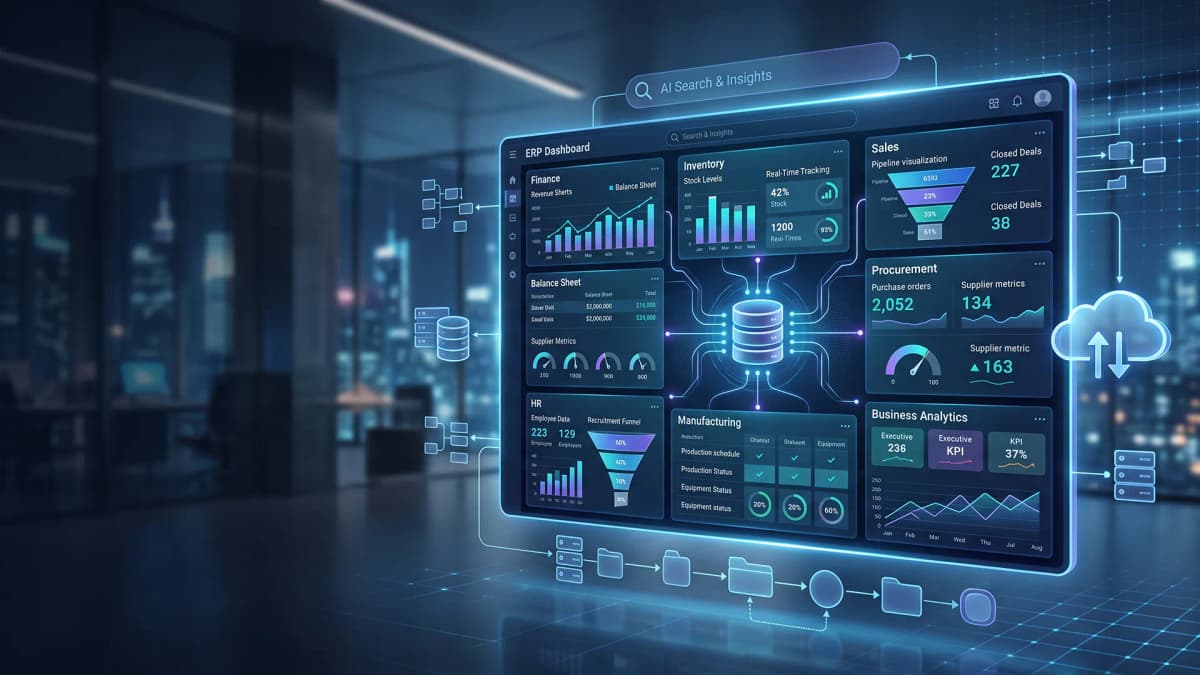
Enterprise Resource Planning connects a company's core processes. A custom ERP system follows the organization's structure, approval flow, transaction types, and reporting requirements. Its modules may cover purchasing, suppliers, inventory, warehouses, production, finance, assets, and management dashboards.
ERP becomes valuable when one decision depends on data from several departments. Purchasing needs current stock information. Sales needs product availability. Finance needs transaction values, costs, and payment obligations without waiting for manual consolidation.
What Is a Custom CRM System?
Customer Relationship Management organizes the customer journey from the first inquiry to repeat purchases. A custom CRM aligns pipelines, segmentation, lead assignment, follow-up schedules, service standards, and sales indicators with the company's business model.
- Contact data and interaction history remain in one customer profile.
- Sales teams can monitor pipelines, proposals, activities, and follow-up targets.
- Customer service receives context when handling questions or complaints.
- Managers can identify opportunities that are moving, delayed, or at risk.
CRM is more than a digital address book. It preserves customer context when work moves between team members. Read the guide to CRM systems for customer management for a focused explanation.
What Is a Custom POS System?
Point of Sale handles transactions at a cashier desk, retail outlet, restaurant, or other direct sales channel. A custom POS can support specific pricing rules, discounts, bundles, taxes, payment methods, returns, commissions, and branch operations.
- Product search, barcode scanning, checkout, and receipt generation.
- Cash and digital payments, shift summaries, and cash controls.
- Automatic stock deduction, return records, and outlet-level reports.
- Loyalty programs, vouchers, tiered pricing, and targeted promotions.
Restaurants may add table management, kitchen orders, menu modifiers, and split bills. For a broader implementation example, review cloud POS development for modern business operations .
Which System Should a Business Build First?
Priority should follow the problem that costs the most, happens most often, or blocks growth. A retailer with inventory discrepancies may start with POS and inventory management. A service company losing follow-ups may start with CRM. A company with disconnected purchasing, warehouse, production, and finance processes may need an ERP foundation.
A business does not need to build every module at once. Start with core functions, test them with a limited user group, and expand based on actual usage. A phased approach lowers risk and gives the team time to adopt the new workflow.
Why Choose a Custom System?
Off-the-shelf software works well when business processes are standard. Custom software becomes more relevant when the company has unique workflows, complex integrations, varied user roles, or reporting needs that generic products cannot address.
- Workflow alignment. The system supports an analyzed process instead of forcing users into a rigid template.
- Focused features. Each role sees tools that are relevant to its daily work.
- Purposeful integration. The system can connect with websites, marketplaces, payment gateways, cashier devices, accounting tools, or legacy applications.
- Relevant reporting. Management receives indicators that match the way the business measures performance.
- Flexible expansion. New modules can be added when transaction volume, branch count, or the business model changes.
Custom development still requires a clear scope. The company must define process owners, feature priorities, data rules, and expected outcomes. Learn more on the custom software development and ERP solutions page .
How ERP, CRM, and POS Work as One Ecosystem
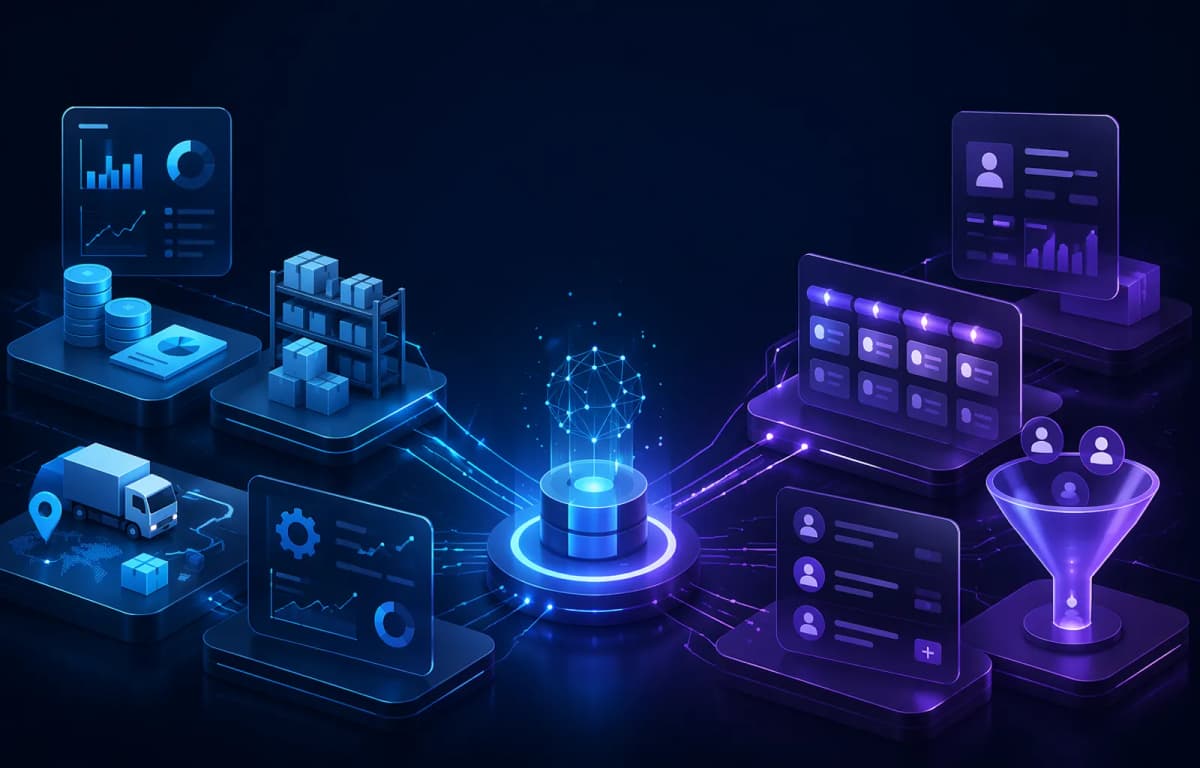
Integration reduces duplicate entry and keeps data consistent. When a customer completes a POS transaction, sales data can update inventory in the ERP. Purchase history can enter the CRM for segmentation, service, or loyalty programs. Finance receives transaction values without combining files from every outlet.
- CRM records prospects, needs, proposals, and deal status.
- An approved order creates a sales transaction or related document.
- ERP checks stock, purchasing, production, delivery, and costs.
- POS processes direct payments and sends outlet transaction data.
- A dashboard presents sales, inventory, customer, and branch performance.
Integration does not mean every user should see every record. Permissions must follow responsibilities. Cashiers do not need complete cost data. Sales teams may not need access to all financial reports. Role-based access keeps the system secure and easier to use.
Stages of Custom ERP, CRM, and POS Development
1. Map Problems and Processes
Identify users, activities, inputs, decisions, exceptions, and required outcomes. The goal is not to copy a spreadsheet into a new screen. The goal is to improve the process.
2. Define the Scope
Group features into essential, important, and future requirements. Set priorities, dependencies, and measurable success criteria.
3. Design the Workflow and Interface
Use prototypes to test the work sequence before full development. Involve cashiers, sales staff, administrators, warehouse teams, and managers.
4. Develop, Integrate, and Test
Test normal transactions, incorrect input, cancellations, returns, permission changes, and integration failures. Use data volumes that reflect real operating conditions.
5. Migrate, Launch, and Evaluate
Clean legacy data before migration. Launch in stages, train users, and measure processing time, errors, data completeness, and reporting speed.
Security and Data Quality
Operational software needs authentication, access restrictions, activity logs, backups, recovery procedures, and regular updates. The company should also define product codes, customer data rules, inventory units, transaction statuses, and ownership of master-data changes. Reliable reports always begin with consistent data.
Signs That a Business Needs a Custom System
- Teams enter the same data into multiple files or applications.
- Inventory, sales, or customer numbers differ between departments.
- Reports are available only after manual data consolidation.
- Approvals depend on private messages and are difficult to audit.
- Current software cannot support important business rules.
- Adding branches or users makes the process slower.
When several of these problems occur repeatedly, review the process, data, and current tools. Effective digitalization starts with a defined operational problem. The article on software house services for digitizing business operations explains the broader approach.
Conclusion
ERP, CRM, and POS play different but complementary roles. ERP organizes cross-department operations. CRM protects customer data and sales activity. POS accelerates transactions and updates sales records. Custom development aligns these systems with the company's workflow, scale, and priorities.
Do not begin with a long feature list. Start with the problem that has the clearest impact. Define the expected outcome. Build a reliable data foundation. Expand in stages so the technology investment produces measurable operational change.
Custom Software Consultation
Build ERP, CRM, or POS Around Your Business Workflow
PT Code Hero Indonesia helps companies map requirements, prioritize modules, design interfaces, build integrations, and develop custom software that can grow with the business.
Frequently Asked Questions
What is the main difference between ERP, CRM, and POS?
ERP manages cross-department processes. CRM manages prospects and customers. POS handles transactions at the point of purchase and can update inventory.
Does a business need to build ERP, CRM, and POS at the same time?
No. A business can start with its most urgent problem and add other modules after the core system becomes stable.
When is custom software more suitable than off-the-shelf software?
Custom software is more suitable when workflows are unique, integrations are essential, access rules are complex, or standard reports do not meet management needs.
Can a custom system support multiple branches?
Yes. The architecture can support centralized data, location-based access, stock synchronization, and consolidated reporting.