ERP and CRM both organize business data, automate work, and support growth. They solve different problems, however. This guide shows how to choose the right priority based on operational pressure, customer goals, team readiness, and long-term scalability.
The practical answer: choose the system that fixes your biggest constraint
Choose an ERP system first when your most urgent problems involve internal operations. Common examples include inconsistent financial data, inaccurate inventory, uncontrolled purchasing, limited production visibility, disconnected branches, or slow management reporting.
Choose a CRM system first when the biggest constraint involves customer growth. Typical problems include lost leads, inconsistent follow-up, unclear sales pipelines, fragmented customer history, or service teams that lack context.
Many growing companies eventually need both. They do not always need to implement both at the same time. The best first investment addresses the largest source of lost revenue, unnecessary cost, customer friction, or operational risk.
A focused rollout usually creates more value than buying a broad platform without a clear business case.
What is ERP and how does it work?
ERP stands for Enterprise Resource Planning. ERP software connects core business processes through a coordinated platform and shared data structure.
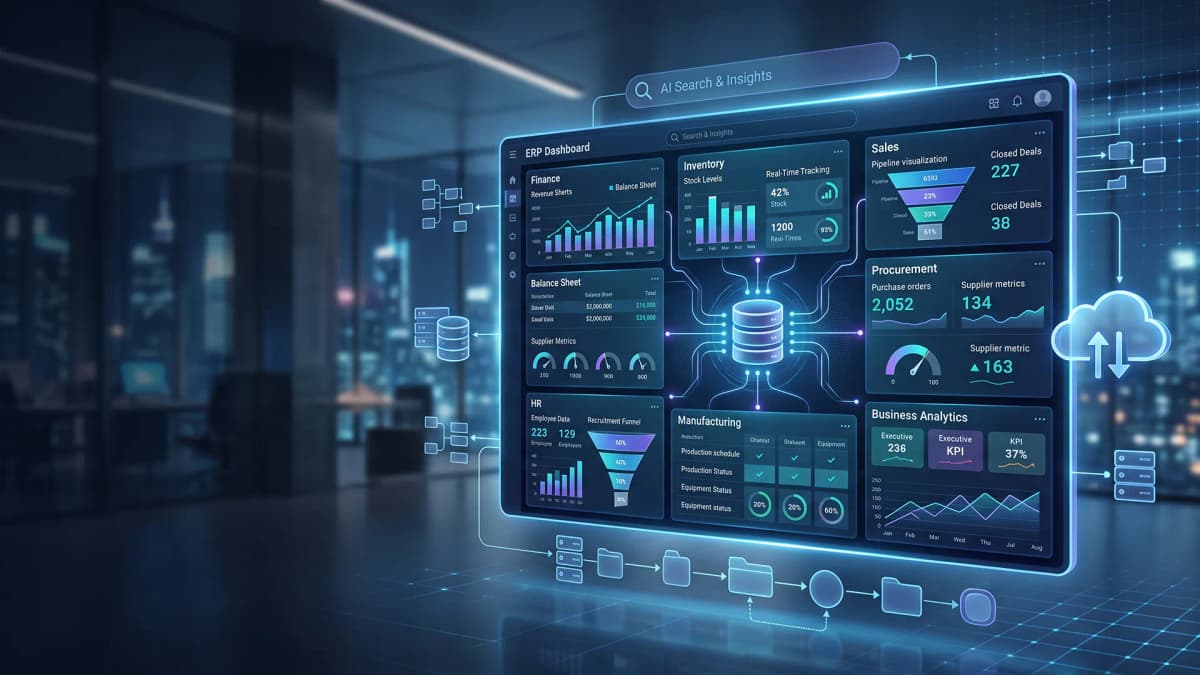
Depending on the company, the scope may include finance, procurement, inventory, sales orders, manufacturing, projects, human resources, asset management, compliance, and executive reporting.
The purpose of ERP is not simply to replace spreadsheets with digital forms. A well-designed ERP system connects work across departments.
When a sales order is confirmed, the system can check available inventory, create a warehouse task, trigger purchasing or production requirements, update expected revenue, and prepare data for invoicing. Each team works from the same transaction while seeing only the information allowed by its role.
Without ERP, businesses often maintain the same information in several places. Warehouse staff track stock in one file. Finance works from another record. Procurement relies on email, chat, or paper approvals.
These disconnected records create repeated reconciliation, delayed decisions, duplicate work, and avoidable errors. ERP reduces this fragmentation by standardizing workflows and preserving a traceable transaction history.
Common ERP modules
- Finance and accounting. General ledger, accounts payable, accounts receivable, cash flow, budgeting, fixed assets, and financial reporting.
- Inventory and warehouse management. Stock movements, locations, reorder points, batches, serial numbers, picking, and cycle counts.
- Procurement. Purchase requests, approval workflows, purchase orders, receiving, supplier records, and purchasing analysis.
- Manufacturing. Bills of materials, production planning, material requirements, work orders, scheduling, and output tracking.
- Human resources. Employee records, attendance, leave, payroll, performance, recruitment, and workforce administration.
- Analytics and reporting. Operational dashboards, financial summaries, exception reports, forecasts, and management indicators.
Signs that your business needs ERP
ERP demand usually appears when operational complexity grows faster than existing tools can handle. The company may add locations, products, employees, suppliers, transactions, or approval layers.
At that point, the problem is not only data volume. The deeper issue is coordination across people, systems, and processes.
- Teams spend too much time reconciling numbers between files, systems, or departments.
- Management cannot access timely profit, inventory, cost, or cash flow information.
- The business frequently experiences stockouts, excess inventory, or unplanned purchasing.
- Approvals are difficult to trace and important controls depend on individual memory.
- Repetitive administration reduces the time available for higher-value work.
- Growth creates a disproportionate increase in coordination, correction, and reporting effort.
What is CRM and why do companies use it?
CRM stands for Customer Relationship Management. CRM software helps a company manage relationships and interactions with prospects and customers.
It can store contact data, lead sources, communication history, sales opportunities, follow-up tasks, marketing activity, support cases, preferences, and other information across the customer lifecycle.
A CRM system gives customer-facing teams shared context. A salesperson can see when a prospect was last contacted, what need was discussed, which proposal was sent, who owns the opportunity, and what should happen next.
A support agent can review purchase history and previous issues without forcing the customer to explain everything again.
CRM also creates discipline in revenue processes. A company can define sales stages, assign ownership, set reminders, monitor pipeline value, analyze lead sources, and identify common reasons for lost deals.
Marketing and sales decisions become more evidence-based because activities and outcomes are connected.
Common CRM capabilities
- Contact and account management. Centralizes people, organizations, addresses, roles, preferences, and interaction records.
- Lead and opportunity management. Tracks potential buyers from first inquiry through qualification, proposal, negotiation, and outcome.
- Sales activity management. Records calls, meetings, emails, tasks, quotes, notes, and next actions.
- Marketing automation. Supports segmentation, forms, campaigns, lead routing, nurturing, and scheduled communication.
- Customer service. Manages tickets, queues, service levels, knowledge content, escalation, and resolution status.
- Customer analytics. Measures lead quality, conversion, sales cycle duration, retention, service performance, and team activity.
Signs that your business needs CRM
- Leads arrive from websites, email, social channels, events, referrals, and messaging apps but are not captured in one place.
- Sales representatives miss follow-ups or use inconsistent methods to manage opportunities.
- Customer information lives in personal inboxes, phones, notebooks, or separate spreadsheets.
- Leaders cannot see a reliable pipeline or understand why deals are won or lost.
- Marketing, sales, and service teams communicate with customers without shared context.
- The company wants to improve repeat purchases, retention, account growth, or customer service consistency.
ERP vs CRM: the key differences
The clearest difference between ERP and CRM is their center of attention. ERP focuses on resources, transactions, controls, and internal execution. CRM focuses on demand, relationships, communication, sales, and service.
ERP helps the business fulfill promises efficiently. CRM helps the business create, win, and retain customer demand.
| Comparison area | ERP | CRM |
|---|---|---|
| Primary focus | Operational efficiency and resource control | Customer acquisition, sales, relationships, and service |
| Primary users | Finance, operations, procurement, warehouse, production, HR, and management | Marketing, sales, customer success, account management, and support |
| Core data | Transactions, costs, inventory, suppliers, assets, capacity, and budgets | Contacts, leads, activities, opportunities, preferences, and support cases |
| Direct outcome | Better control, accuracy, consistency, visibility, and process speed | Clearer pipelines, organized follow-up, and more relevant engagement |
| Business orientation | Back-office and core operations | Front-office and customer-facing work |
| Typical question | What is available, what does it cost, what is due, and what is the margin? | Who should we contact, which deal needs attention, and which customer needs support? |
| Strategic value | Makes growth more controlled, repeatable, and fulfillable | Makes growth more targeted, measurable, and predictable |
ERP is more than accounting software
Accounting software usually centers on financial recording and reporting. ERP has a broader operational scope because it connects financial entries to the activities that create them.
Purchasing, receiving, material use, production, fulfillment, invoicing, and payment can flow through one coordinated process. This connection creates stronger visibility between frontline activity and management reporting.
CRM is more than a contact database
A contact database tells you who a customer is. CRM tells you what happened, who is responsible, when the next action is due, how valuable the opportunity may be, and which communication or service step should follow.
CRM value comes from building repeatable customer processes on top of trusted data.
Which system should your business prioritize?
Do not begin with a feature checklist. Begin with the business problem that must be solved. The platform with the most features is not automatically the best choice.
The right system supports priority workflows, fits user behavior, connects with essential applications, protects data, and scales with realistic growth plans.
Prioritize ERP when operations are the constraint
ERP is more urgent when the company can generate demand but struggles to fulfill orders accurately, efficiently, or profitably.
Sales may be growing while margins remain unclear. Shipments may be delayed because inventory records are unreliable. Finance may need too much time to close a period.
In these situations, increasing lead volume through CRM can put additional pressure on an unstable operation.
Manufacturers, distributors, multi-location retailers, construction firms, project-based businesses, logistics providers, and companies with complex purchasing often place ERP at the foundation.
Industry alone does not determine the choice. A service company may also need ERP when project costing, capacity, billing, procurement, and resource allocation become difficult to coordinate.
Prioritize CRM when market growth is the constraint
CRM is more urgent when basic operations are stable but customer acquisition, sales execution, or service quality is not measurable.
The company may receive many inquiries but convert too few. Representatives may use different sales processes. Managers may not know which opportunities deserve attention or which lead sources produce valuable customers.
B2B services, professional firms, property companies, education providers, healthcare organizations, technology companies, financial services, and businesses with long sales cycles often gain early value from CRM.
CRM also helps small businesses establish customer data discipline before lead volumes become difficult to manage.
Use a simple priority scorecard
Your ERP score rises when:
- Inventory, cost, or transaction errors are frequent.
- Departments report different versions of the truth.
- Approvals and controls depend on manual follow-up.
- Leaders lack integrated operational reporting.
- Growth rapidly increases administration and coordination.
Your CRM score rises when:
- Leads are lost or followed up too late.
- The sales pipeline is incomplete or unreliable.
- Customer history is fragmented.
- Marketing cannot compare lead quality by source.
- Service teams lack complete customer context.
Rate each indicator from one to five based on business impact. Compare the totals, then validate the result with real data.
Useful evidence includes inventory corrections, reporting time, unassigned leads, overdue follow-ups, sales cycle length, repeated complaints, manual hours, and invoice delays.
This approach produces a more defensible decision than selecting software because competitors use it.
Priorities by growth stage
- Early-stage business. Use a focused system to create good data habits. A lightweight CRM often suits sales-led businesses. Modular ERP may be more important for inventory, production, or transaction-heavy models.
- Growing business. Address the workflow that is becoming a bottleneck. Integration with websites, e-commerce, payment platforms, accounting, messaging, or warehouse tools becomes more important.
- Mid-sized organization. Cross-functional workflows, permissions, audit trails, approvals, dashboards, and integration requirements usually expand. ERP and CRM often need to work together.
- Large enterprise. Architecture, data governance, security, availability, multi-entity rules, regional requirements, and application integration become central selection criteria.
Can ERP and CRM be integrated?
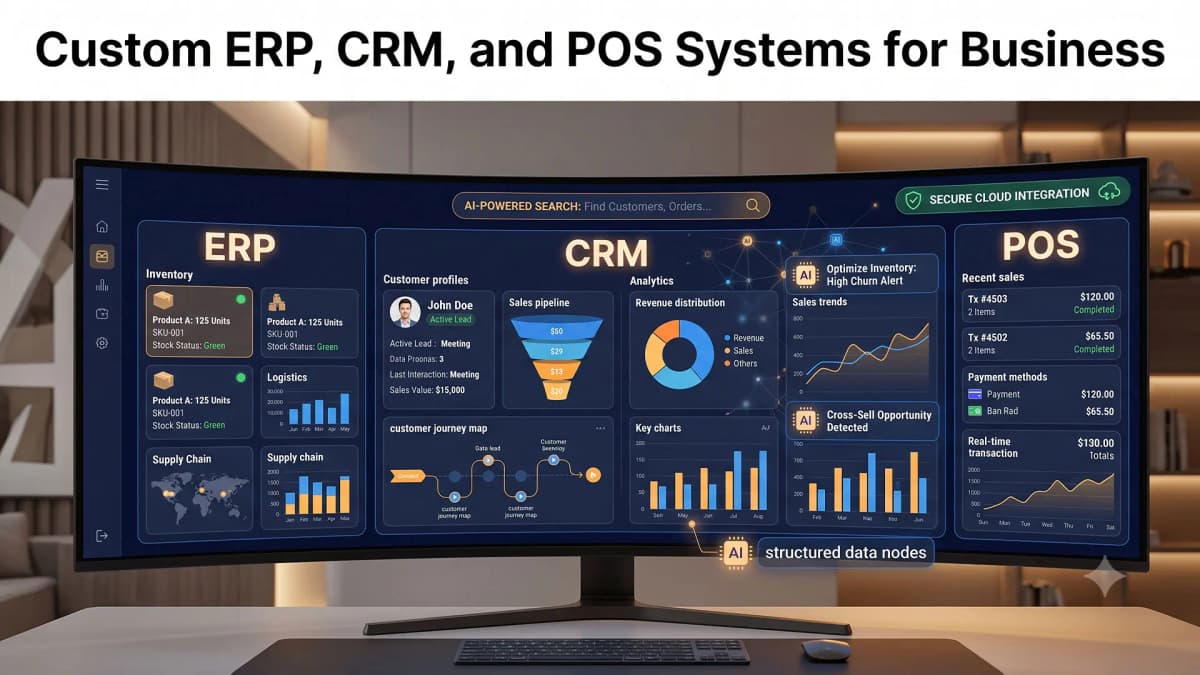
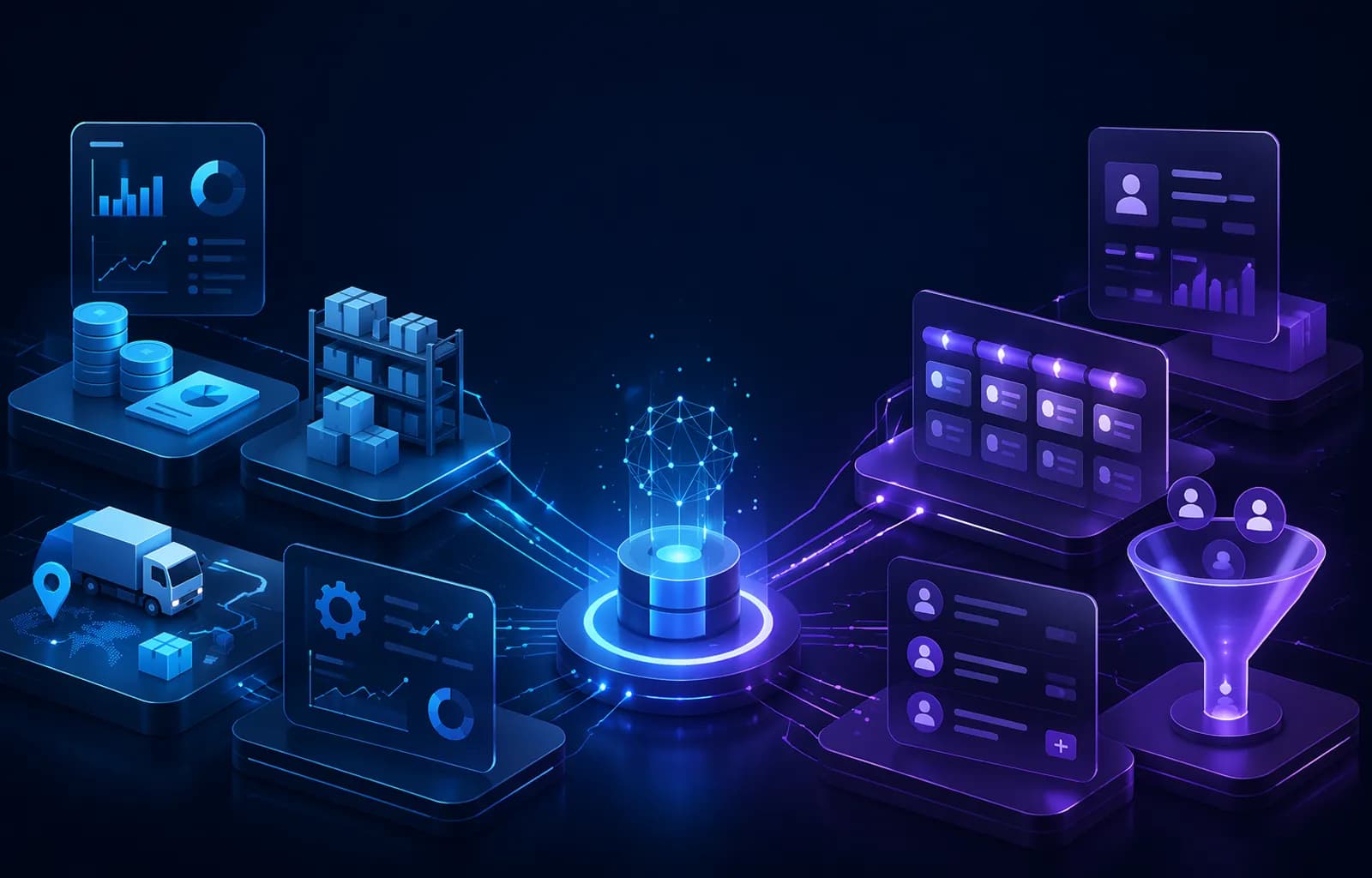
Yes. ERP and CRM integration creates a more complete flow from market demand to delivery and after-sales service.
CRM can manage leads, opportunities, proposals, account activity, and customer communication. When a deal is approved, order data can move to ERP for inventory checks, procurement, production, fulfillment, invoicing, and financial posting.
Integration can also give sales teams access to relevant operational information without switching between several applications.
Examples include order status, stock availability, credit limits, invoice status, and delivery estimates. Operations teams can receive customer context and commercial commitments created during the sales process.
Data commonly synchronized between ERP and CRM
- Customer accounts, contacts, billing addresses, and delivery addresses.
- Products, price lists, discounts, taxes, and commercial rules.
- Quotes, sales orders, contracts, and fulfillment status.
- Invoices, payments, receivables, and credit information.
- Returns, complaints, service tickets, warranties, and resolutions.
- Purchase summaries for segmentation, retention, and account planning.
Effective integration requires clear data ownership. The company must decide which application is the source of truth for each data domain.
Without these rules, synchronization can create duplicates, conflicting values, and reports that users do not trust.
One suite or two integrated platforms?
A single suite can simplify user access, vendor management, and governance. Its individual modules may not be equally deep, however.
Two specialized platforms can provide stronger functional depth, but they require more mature integration, monitoring, and vendor coordination.
The right architecture depends on process complexity, budget, internal technical capability, industry requirements, and long-term product strategy.
Off-the-shelf software or custom ERP and CRM development?
Off-the-shelf software fits businesses with relatively standard processes that are willing to adopt available workflows.
This option can shorten implementation, provide regular updates, reduce initial development work, and give access to established integrations or partner ecosystems.
Custom software becomes relevant when the company has strategically important workflows, unusual integrations, industry-specific controls, specialized reporting, or a user experience that cannot be delivered through configuration alone.
It may also suit companies whose legacy systems no longer support growth but whose operating model does not fit a general platform.
The choice does not have to be absolute. A hybrid approach is often more economical. A business can use a standard platform for common functions, then build custom modules, portals, dashboards, integrations, or workflow automation around it.
The goal is process fit without creating unnecessary maintenance burden.
Questions to ask before commissioning custom software
- Does the process create a real competitive advantage, or is it simply an old habit?
- Can configuration or integration solve the need without a large custom build?
- How many users, transactions, entities, countries, languages, and integrations must the system support?
- Who will own the data, source code, documentation, infrastructure access, and deployment pipeline?
- What is the plan for maintenance, security updates, backups, monitoring, support, and future development?
A practical ERP or CRM implementation roadmap
Implementation success depends more on process clarity, data quality, and user adoption than on the number of features purchased.
Advanced software cannot create value when ownership is unclear, data is unreliable, or employees do not understand why their work must change.
-
1. Define business outcomes and success metrics
Set measurable goals such as faster reporting, fewer inventory differences, more on-time follow-ups, a shorter sales cycle, quicker ticket resolution, or reduced manual entry. Avoid broad goals such as digital transformation without operational measures.
-
2. Map the current process and the target process
Document roles, handoffs, documents, approvals, bottlenecks, exceptions, and decision rules. Simplify the process before configuring or developing software. Automating a poor workflow only makes the same problem move faster.
-
3. Select the smallest valuable scope
Start with modules and users that can produce visible value. A phased rollout limits risk, accelerates learning, and allows the team to improve designs based on actual usage rather than assumptions.
-
4. Clean and prepare data
Remove duplicates, standardize formats, validate product codes, complete customer records, and define migration rules. Not every historical record needs to move. Transfer data that supports operations, analysis, compliance, service, or audit requirements.
-
5. Design integrations and security controls
Apply role-based access, strong authentication, logging, backup, appropriate encryption, and integration monitoring. Make sure data does not move between applications without a clear business purpose and accountable owner.
-
6. Test complete business scenarios
Do not test only screens and buttons. Test end-to-end work, including cancellations, corrections, returns, delayed approvals, absent users, duplicate records, failed integrations, and limited connectivity. Involve representatives from each major function.
-
7. Train users and manage change
Explain role-specific benefits instead of teaching only menu navigation. Appoint key users, publish concise instructions, create a support channel, and monitor adoption barriers. New working habits need reinforcement after launch.
-
8. Measure results and improve deliberately
Compare performance before and after implementation. Prioritize improvements by business impact, problem frequency, risk, and development effort. Avoid adding features only because the platform makes them available.
ERP and CRM cost factors
ERP and CRM costs extend beyond subscriptions or development fees. Total cost can include discovery, process design, configuration, customization, data migration, integration, infrastructure, testing, training, support, security, monitoring, and change management.
A low-cost tool becomes expensive when it creates manual work, requires complex workarounds, or receives poor adoption.
SaaS pricing commonly depends on users, modules, usage, storage, automation, or service level.
Custom systems often require a larger initial build, followed by maintenance and planned enhancement.
On-premise deployment adds server, backup, patching, and internal technical responsibilities. Cloud deployment reduces some infrastructure work but still requires access governance, cost control, monitoring, and recovery planning.
How to evaluate economic value
Estimate value from reduced administrative time, fewer errors, better inventory turnover, faster billing, improved conversion, fewer lost leads, stronger retention, faster service, and more timely decisions.
Use conservative assumptions. Record the baseline before implementation so the company can compare actual results.
Do not limit value analysis to headcount savings. Business systems also reduce operational risk, improve auditability, stabilize service quality, preserve organizational knowledge, and increase the volume the company can handle without a matching rise in coordination effort.
Common mistakes when selecting ERP or CRM
Buying based on trends or feature counts
A long feature list does not guarantee fit. Prioritize workflows, data quality, integration, usability, governance, and measurable outcomes.
Copying the old process without review
Implementation is an opportunity to remove unnecessary steps. Do not move every manual rule and approval into a new interface.
Excluding process owners
Technology teams cannot define every business rule alone. Include process owners and frontline users from discovery through acceptance testing.
Migrating data without cleanup
Duplicate and incomplete data weakens reporting, automation, service quality, and user trust in the new system.
Launching too much at once
An oversized scope increases training, migration, testing, and coordination pressure. Use clear phases with specific acceptance criteria.
Ignoring post-launch ownership
After launch, the system still needs monitoring, support, security updates, bug fixes, documentation, and controlled improvement.
How PT Code Hero Indonesia can support the project
PT Code Hero Indonesia helps businesses analyze requirements, design system architecture, develop custom software, build integrations, and prepare post-launch support.
The process starts with business goals and workflows instead of assuming that every organization needs the same product or implementation model.
An ERP or CRM engagement can begin with problem identification, user mapping, priority module definition, data design, integration requirements, interface prototypes, and a phased roadmap.
The solution may be a new platform, an extension module, a customer or supplier portal, an executive dashboard, an internal application, or an integration layer between existing systems.
The technical plan can address performance, scalability, security, permissions, user experience, testing, cloud deployment, maintenance, and documentation.
A controlled scope lets the business solve critical needs first, then expand according to measurable usage and results.
ERP vs CRM frequently asked questions
Do small businesses need ERP?
A small business may need ERP when inventory, purchasing, finance, production, projects, or multiple locations become difficult to control with simple tools. It can start with essential modules and expand gradually.
Is CRM only for sales teams?
No. Marketing, sales, customer service, account management, customer success, and leadership can use CRM. Each team uses shared customer data for a different purpose.
Can CRM connect with a website, email, and messaging channels?
Yes, depending on the platform, channel policies, and integration method. Website forms, chat, email, advertising, and approved messaging channels can route leads or conversations into CRM workflows.
Does ERP include CRM?
Some ERP suites include basic or advanced CRM modules. Functional depth varies. Evaluate pipeline management, marketing automation, customer service, channel integration, usability, and analytics before choosing one suite.
How long does ERP or CRM implementation take?
Duration depends on scope, data quality, integrations, users, process complexity, customization, testing, and decision speed. A phased implementation is usually easier to control than a single large rollout.
How do you measure ERP success?
Useful measures include faster reporting, fewer inventory differences, shorter approval cycles, more consistent data, better on-time fulfillment, and less manual work.
How do you measure CRM success?
Useful measures include more on-time follow-ups, better pipeline accuracy, higher conversion, shorter sales cycles, stronger retention, faster service, and more complete customer records.
Which is more expensive, ERP or CRM?
There is no universal answer. ERP often covers broader operational processes. CRM can also become complex when it includes many channels, automations, regions, analytics, and service functions. Compare total cost of ownership against business value.
Conclusion: ERP strengthens operations, while CRM strengthens customer relationships
ERP and CRM are not direct substitutes. ERP coordinates resources, transactions, controls, and internal execution. CRM coordinates prospects, customers, sales, marketing, and service.
The first system you implement should address the most damaging constraint in your current business model.
Start with a process diagnosis. Define success measures, choose the smallest valuable scope, clean your data, and roll out in phases. As requirements grow, ERP and CRM can be integrated to connect opportunities with fulfillment, finance, and after-sales service.
PT Code Hero Indonesia provides IT consulting, custom software development, system integration, UI/UX design, cloud deployment, and maintenance services. Explore the available services to assess which architecture and implementation path fits your business.
Explore PT Code Hero Indonesia Services