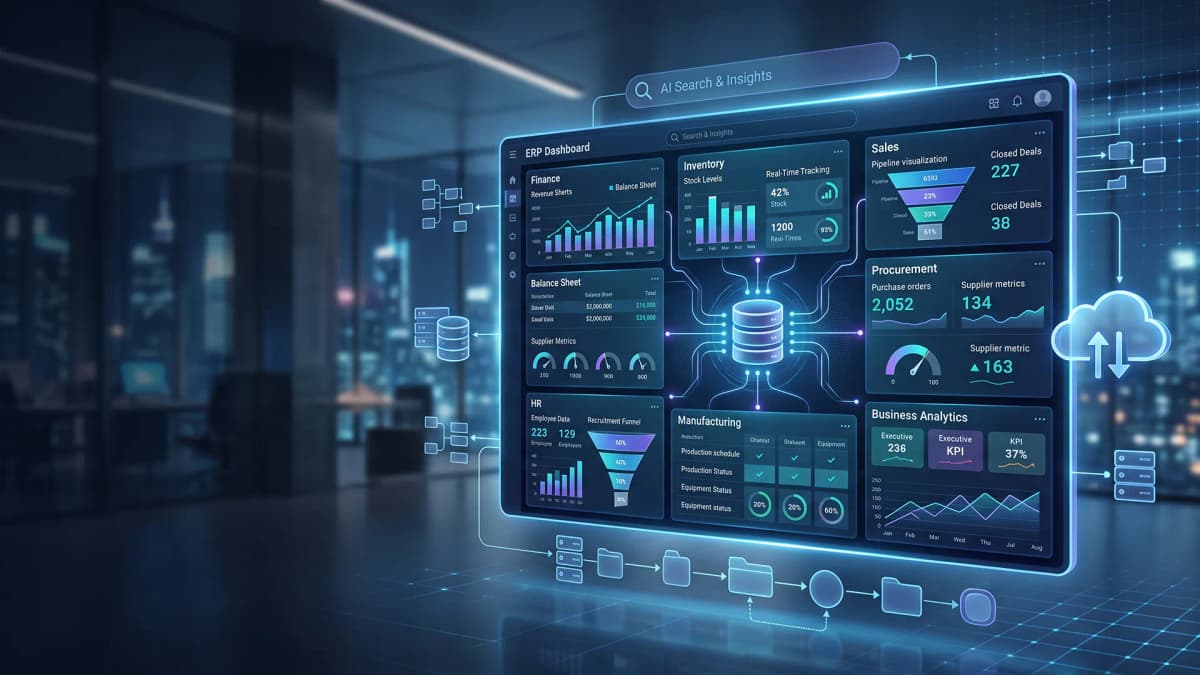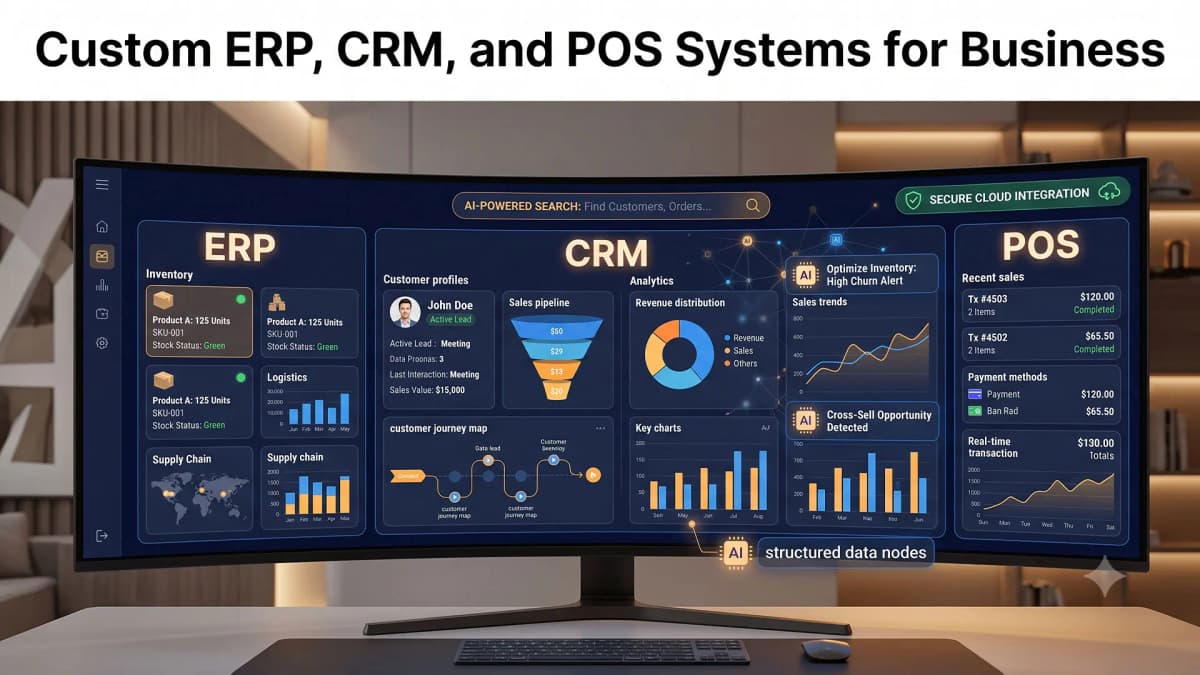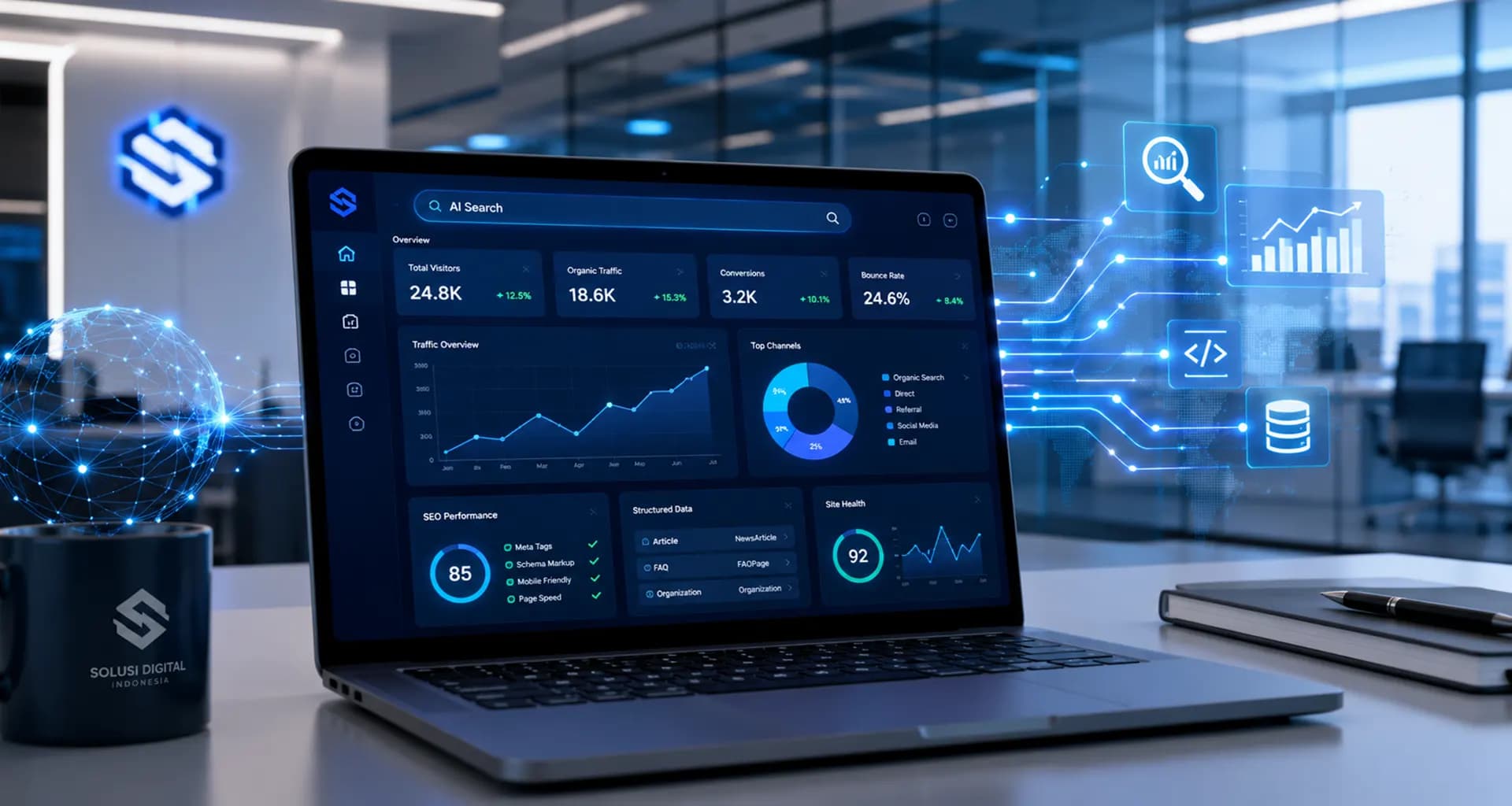
Turn daily operations data into clear business insights with custom dashboard software that is real-time, well-structured, and easy for every team to use.
A business dashboard helps teams see company performance clearly, quickly, and with measurable context.
Why Businesses Need Better Dashboards
Most companies already have a lot of data. Sales numbers may live in spreadsheets, customer information in a CRM, inventory data in a warehouse system, advertising performance in marketing platforms, and financial reports in separate accounting files. The challenge is not always the lack of data. The real challenge is that the data is often scattered, inconsistent, and difficult to read as one clear business picture.
When founders, business owners, or managers need to make fast decisions, manual reporting can slow everything down. Teams have to open multiple files, copy numbers, clean formats, validate formulas, and prepare a report before anyone can understand what is actually happening. In a competitive market, slow access to insight can mean slower action, missed opportunities, and delayed problem solving.
This is where custom business dashboard software becomes valuable. A dashboard is not just a collection of attractive charts. A good dashboard is an information center that brings important data together, presents it visually, and helps teams answer business questions faster: Is revenue growing? Which branch performs best? Which campaign brings qualified leads? Which products are moving slowly? Which operational area needs immediate attention?
What Is Custom Business Dashboard Software?
Custom business dashboard software is an application designed to display metrics, performance indicators, and operational data based on the specific needs of a company. Unlike a default dashboard from a single platform, a custom dashboard can be shaped around your workflow, organization structure, data sources, and decision-making process.
A retail company may need to track daily sales, stock movement, product margins, and store performance. A service business may focus more on project status, team capacity, sales pipeline, and unpaid invoices. A manufacturing company may need production monitoring, machine downtime, output quality, and raw material availability. Each business has a different rhythm, and the dashboard should support that rhythm.
A Dashboard Should Not Be Complicated
An effective dashboard should be easy to understand. The goal is not to display every possible number on one screen. The goal is to help users see the most relevant information. Business owners may need an executive summary, managers may need performance details by division, and operational teams may need daily data that can be acted on immediately.
Custom Means Built Around How Your Business Works
Every business has its own terms, priorities, targets, and internal processes. A custom dashboard allows the interface and logic to match the way your team already operates. Instead of forcing people into a rigid tool, the system helps them work more consistently, more transparently, and more efficiently.
Key Benefits of Business Dashboards for Faster Decisions
Good business decisions do not always require long reports. In many cases, leaders simply need data that is clear, current, and easy to compare. A dashboard helps simplify that process by turning raw operational data into insights that are easier to understand and easier to act on.
1. See Business Conditions in Real Time
With a real-time or near real-time dashboard, teams can monitor important changes without waiting for weekly or monthly reports. If sales drop, stock runs low, operational delays increase, or campaign performance changes, the right people can see it early and respond before the issue becomes larger.
2. Reduce Manual Reporting Work
Manual reporting takes time and is often vulnerable to human error. A dashboard helps automate how data is collected, processed, and displayed. Instead of repeatedly preparing the same report from scratch, teams can spend more time analyzing what the data means and deciding what to do next.
3. Keep Teams Focused on the Right KPIs
Without a shared dashboard, different departments may use different numbers to evaluate performance. A dashboard helps align KPI definitions so everyone works from the same source of information. This makes business discussions more objective and reduces unproductive debates about which report is correct.
4. Respond Faster to Opportunities and Risks
A business that reads data faster can move faster. A rising product can be promoted more aggressively, a weak branch can be reviewed, and an inefficient campaign can be improved. Dashboards make important signals easier to detect before they become urgent problems or missed opportunities.
What Data Can Be Displayed in a Business Dashboard?
The best dashboard content depends on your business goals. Not every data point needs to appear on the first screen. The priority is to choose information that supports decision making. Common examples include:
- Sales dashboard: daily revenue, target vs achievement, sales team performance, conversion rate, average order value, and deal pipeline.
- Marketing dashboard: website traffic, incoming leads, advertising cost, cost per lead, campaign performance, and the most effective channels.
- Operational dashboard: task status, SLA, team capacity, inventory level, shipment progress, and backlog.
- Finance dashboard: revenue, cash flow, unpaid invoices, operating expenses, margin, and profit trend.
- Executive dashboard: key KPI summary, growth trend, priority risks, and cross-department insights.
A dashboard can also include filters by period, branch, product, division, region, or customer category. With the right filters, users do not only see top-level numbers. They can also explore what caused performance to change and which area deserves attention.
What Makes a Business Dashboard Effective?
A good dashboard is not the one with the most charts. It is the one that helps users make better decisions. Visual design should support understanding, not simply make the screen look advanced. Here are several qualities of an effective business dashboard.
Clear and Easy to Read
Every chart, table, number, and label should have a purpose. Users should be able to understand the meaning of the information without reading a long manual. Clear labels, logical layout, and suitable visualization types make the dashboard much easier to use.
Built on Reliable Data
A dashboard is only useful when the data inside it can be trusted. Data source integration, validation, access control, and KPI calculation rules should be planned carefully from the beginning. Inconsistent data can lead to wrong conclusions and poor decisions.
Accessible to the Right Roles
Not every user needs the same level of access. A custom dashboard can include role-based access control. For example, business owners may view all branches, managers may view their divisions, and staff may only view data related to their tasks. This keeps information secure while making the interface more focused.
Flexible Enough to Grow
Dashboard needs will evolve. A company may begin with a sales dashboard, then later require finance, inventory, customer service, or executive reporting modules. That is why the software architecture should be designed to support future development without forcing the business to rebuild everything from zero.
Common Mistakes When Building Business Dashboards
Many dashboards fail to become part of daily work not because the technology is weak, but because the design process does not start from the business problem. One common mistake is putting too much information on one page. When everything is treated as important, users struggle to identify which number deserves attention.
Another mistake is building a dashboard without clear KPI definitions. For example, one team may calculate revenue differently from another team, or marketing and sales may use different definitions of a qualified lead. If the logic is not agreed on early, the dashboard may create confusion instead of clarity.
A dashboard can also fail when it is disconnected from the team’s daily workflow. The dashboard should answer real operational needs: making meetings shorter, simplifying follow-up, speeding up campaign evaluation, monitoring service levels, or warning the team when an indicator moves outside the expected range.
How PT Code Hero Indonesia Can Help
PT Code Hero Indonesia helps businesses design and develop custom dashboard software that fits their operations, business goals, and team workflows. Our approach starts with understanding the key problem the dashboard must solve, not simply creating visual charts.
We can help define KPI structures, design dashboard user experience, integrate data from multiple sources, create role-based access, and build clean visualization features that teams can actually use. The dashboard can be developed as an internal web application, a management portal, or a module inside an existing business system.
With custom software development, your business does not have to rely only on limited default features from generic tools. The system can be built around your priorities, starting with the most important KPIs first and then expanding gradually as your business grows.
Conclusion
Business dashboard software is an important tool for turning daily operational data into faster, clearer, and more measurable decisions. With a custom dashboard, companies can bring data from different sources into one view, monitor key KPIs, reduce manual reporting, and help teams work from the same information.
A strong dashboard is not only visually appealing. It must be relevant to business needs, easy to use, accurate, secure, and flexible enough to grow. For companies that want to respond faster to market changes and internal performance signals, custom dashboard software can become a practical foundation for digital transformation.
Ready to Build a Custom Business Dashboard?
If your business still depends on manual reports, disconnected spreadsheets, or dashboards that do not fully support your team’s decisions, PT Code Hero Indonesia can help you design a cleaner and more scalable solution.