In today’s digital landscape, a business website is more than an online presence. It stores valuable data, supports operations, and builds customer trust. Unfortunately, many businesses underestimate website security until a serious issue occurs.
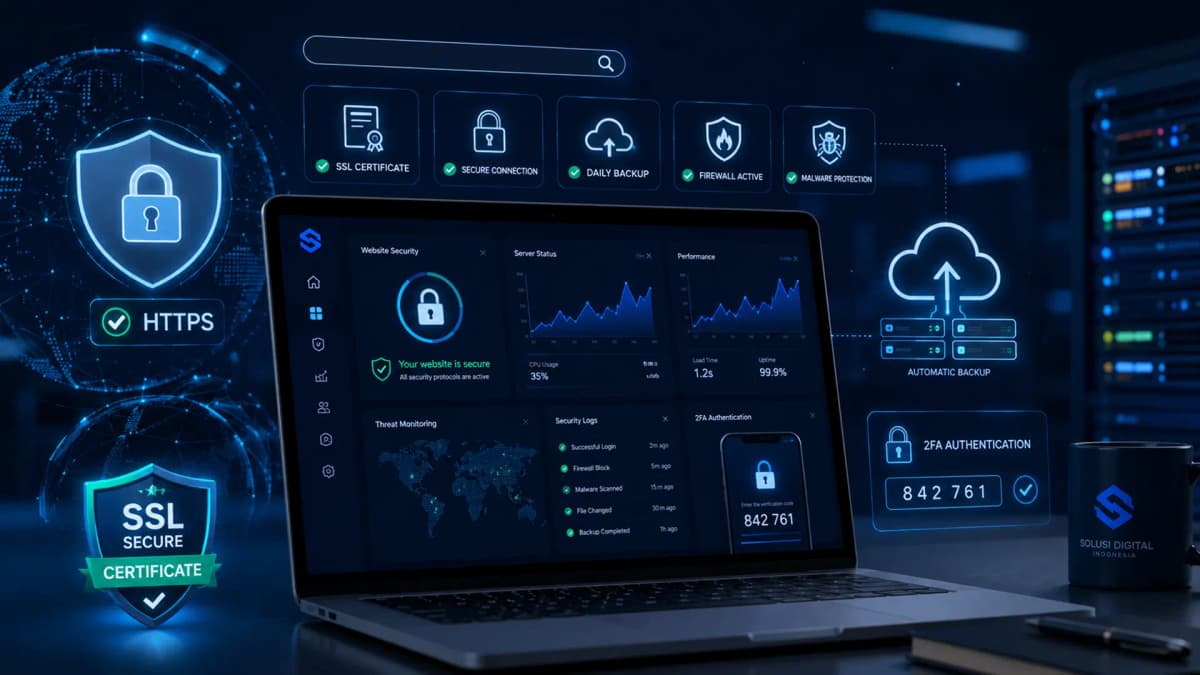
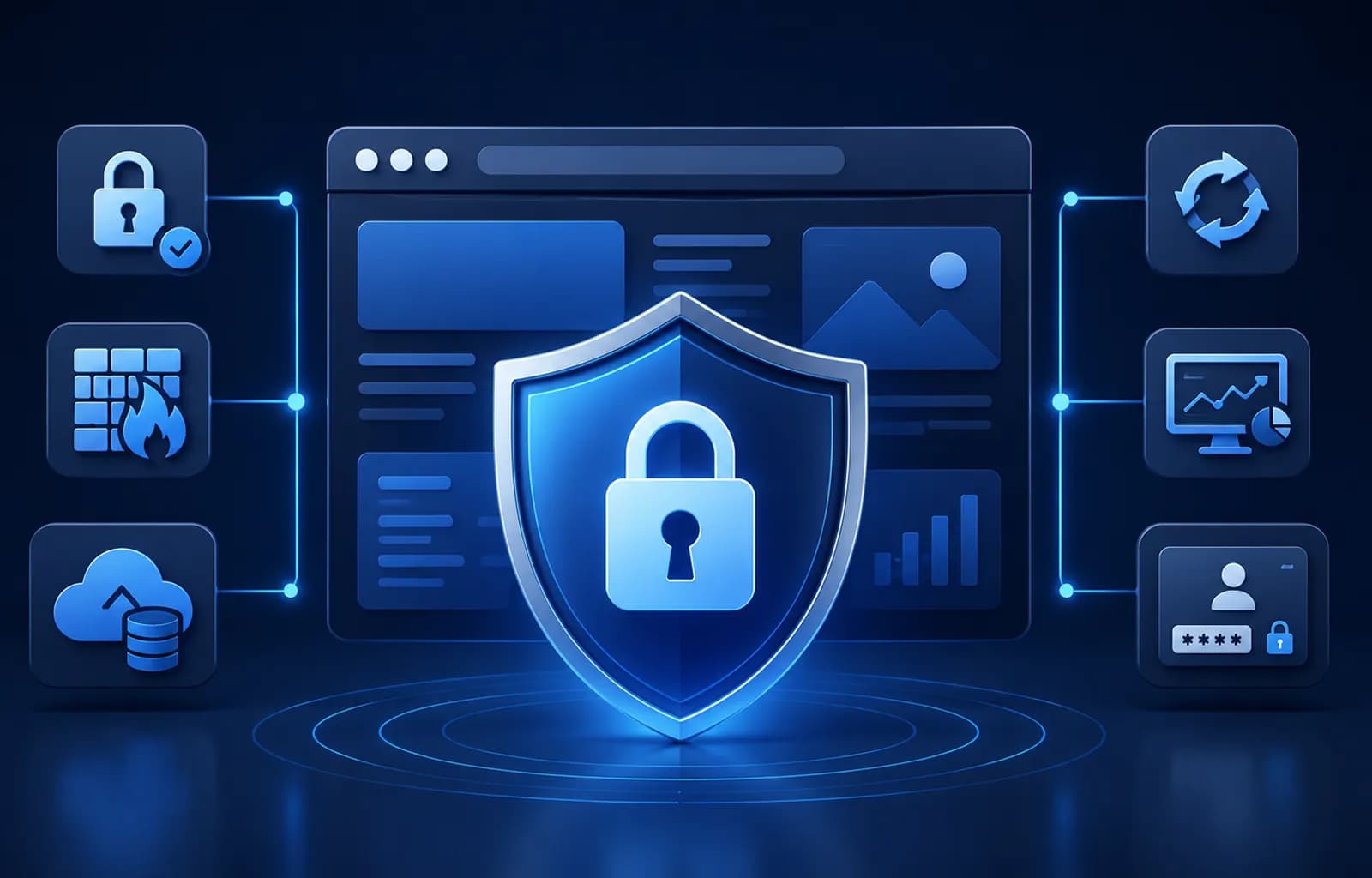
This article explains practical steps to protect your business website from common security risks, including SSL, system updates, trusted plugins, backups, firewalls, monitoring, and secure login practices.
Why Website Security Matters for Businesses
Business websites are frequent targets of cyberattacks because they often contain customer information, login credentials, and transaction data.
- Data breaches and information loss
- Website downtime and service disruption
- Loss of customer trust
- Financial damage
- Legal and compliance issues
1. Secure Your Website with SSL Encryption
SSL (Secure Sockets Layer) encrypts data transferred between users and your server. Websites with SSL use HTTPS, which is now a standard requirement.
Without SSL, sensitive data such as login credentials and form submissions can be intercepted.
2. Keep Your System and Software Updated
Outdated systems are one of the most common causes of website vulnerabilities. Updates fix known security issues and improve stability.
- Content management systems
- Plugins and extensions
- Themes and templates
- Server operating systems
3. Use Trusted Plugins and Extensions
Plugins add functionality, but unverified plugins can introduce malware or backdoors.
Always choose plugins from reputable sources with regular updates and good reviews.
4. Perform Regular Website Backups
Backups allow you to quickly restore your website after an attack or system failure.
- Automated backups
- Off-site storage
- Regular restore testing
5. Protect Your Server with Firewalls
Firewalls filter malicious traffic before it reaches your server. They help prevent brute force attacks, DDoS, and automated exploits.
6. Monitor Your Website and Server Activity
Continuous monitoring helps detect suspicious activity early. Early detection minimizes downtime and potential damage.
7. Implement Secure Login Practices
Weak login security is one of the easiest ways attackers gain access.
- Strong and unique passwords
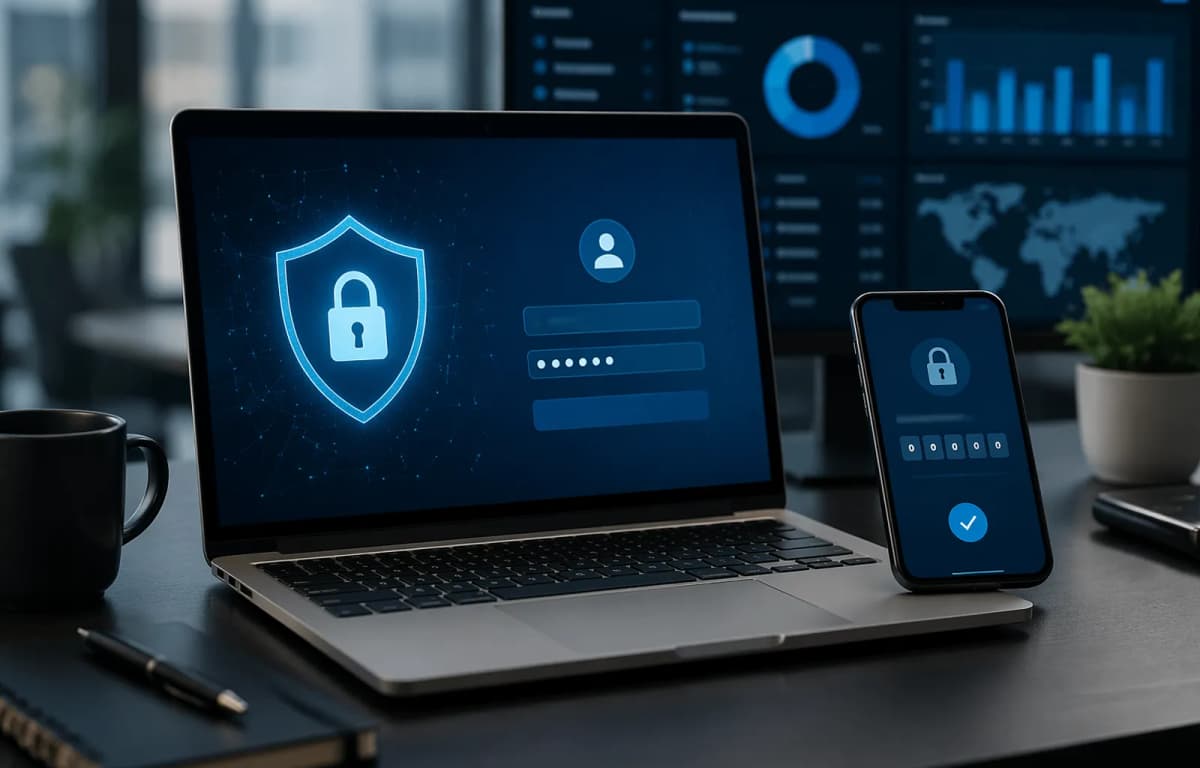
- Two-factor authentication
- Limited login attempts
- Role-based access control
Website Security as a Long-Term Investment
Website security is not a one-time task but an ongoing investment in your business. A secure website protects your reputation, customers, and operations.
PT Code Hero Indonesia provides professional server and website maintenance services to help businesses maintain strong security standards.
Want a more secure and reliable business website?
Learn more about our Server Maintenance Services for continuous protection and monitoring.