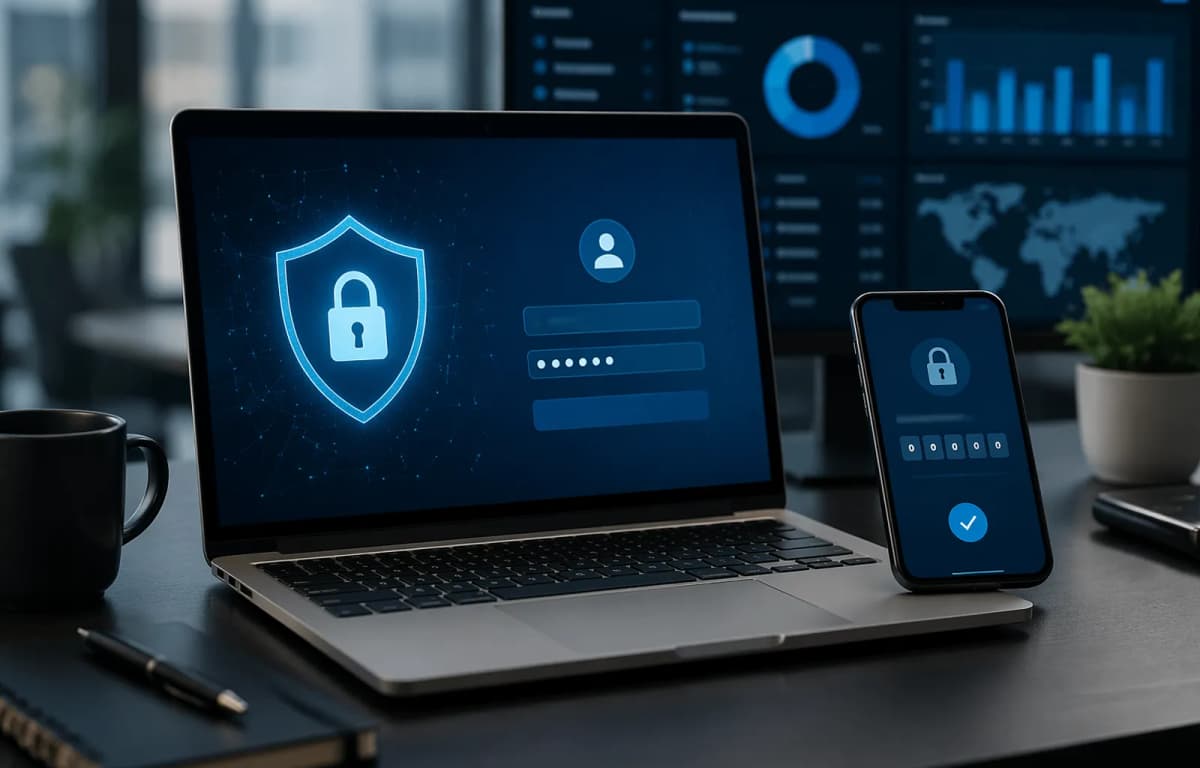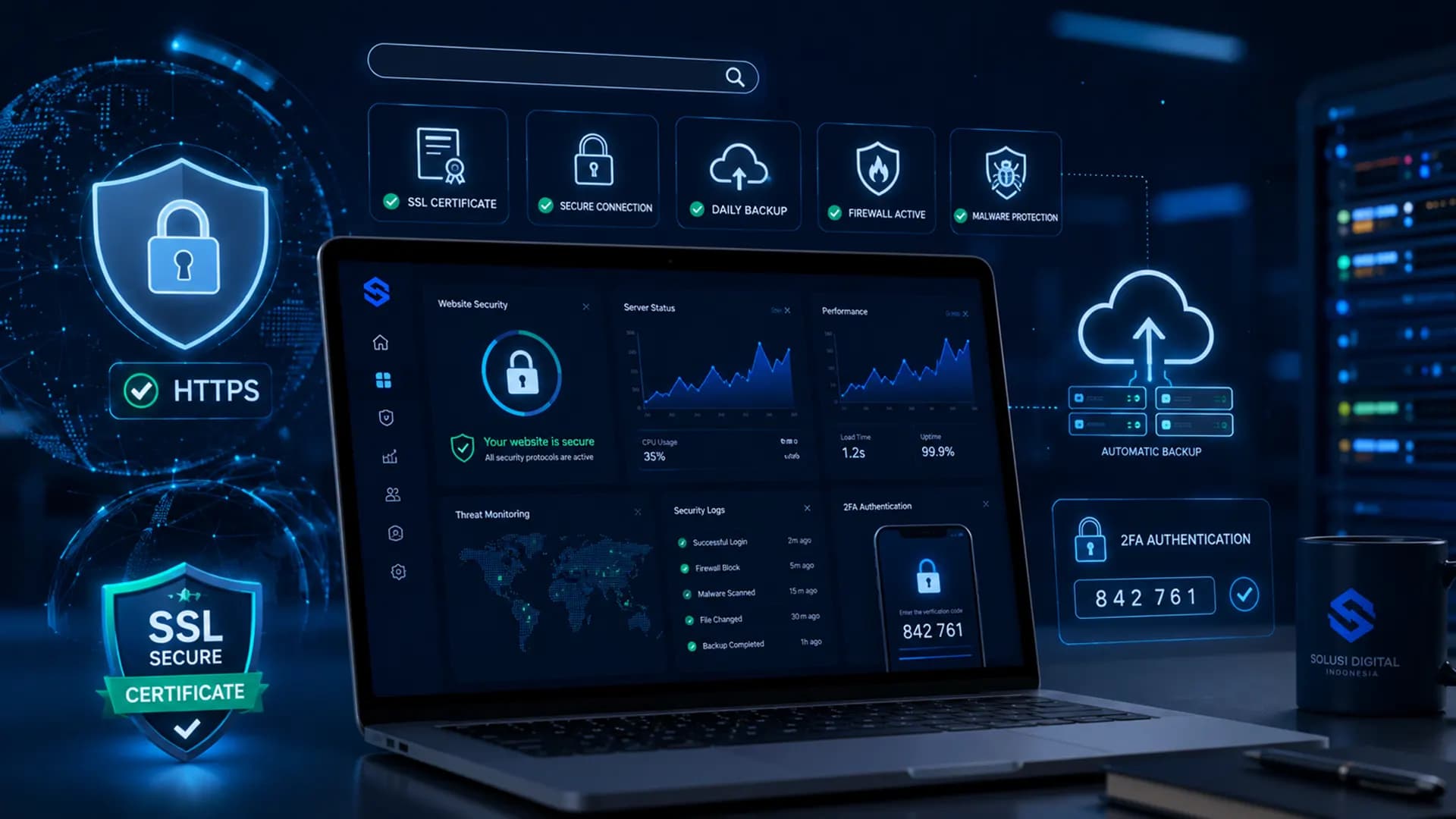
A company website is more than a digital brochure. It carries brand reputation, customer data, lead forms, product information, campaign pages, transaction flows, and integrations with business tools. That is why website security should be treated as a business asset, not merely a technical detail.
In 2026, customers expect business websites to feel secure, fast, and reliable. They notice HTTPS, smooth login experiences, stable pages, and professional design. When a website is slow, unavailable, infected with malware, or marked as unsafe by a browser, trust can drop almost instantly. The impact can reach traffic, leads, sales, brand credibility, and search performance.
The good news is that website security does not have to start with complicated tools. Many risks can be reduced with strong fundamentals: SSL, regular backups, two-factor authentication, system updates, server monitoring, access control, and a clear recovery plan. This guide explains practical security steps for business owners, founders, marketing managers, and digital teams without making the topic overly technical.
Why Website Security Matters for Businesses
Many companies only pay attention to security after something goes wrong. A homepage may suddenly change, the website may become inaccessible, spam links may appear, contact forms may be flooded by bots, or important data may disappear because there is no reliable backup. At that point, recovery usually costs more than prevention.
A secure website protects three major business priorities: trust, operational continuity, and data quality. Visitors feel more comfortable submitting forms. Marketing teams can run campaigns without worrying that landing pages will go offline. Sales teams receive cleaner leads. Management also gains better control over digital risk.
Security also supports SEO indirectly. Search engines aim to recommend pages that are relevant, accessible, user-friendly, and safe. If a website is frequently down, compromised, or difficult to access, organic performance can suffer. For this reason, corporate website security should be part of a long-term digital growth strategy.
1. Activate SSL and Make Sure HTTPS Works Properly
SSL is a basic foundation for modern website security. It encrypts the connection between a visitor's browser and the website server, helping protect data submitted through contact forms, login pages, and checkout flows. Websites with SSL usually use https:// and display security indicators in the browser.
However, installing SSL is not enough by itself. Businesses should make sure every page redirects to HTTPS, certificates do not expire, and the website does not contain mixed content. Mixed content happens when a secure HTTPS page still loads images, scripts, fonts, or files from insecure HTTP sources. This small issue can create browser warnings and reduce user confidence.
SSL checklist for corporate websites
- Use a valid SSL certificate that matches your domain needs.
- Redirect all HTTP pages to HTTPS automatically.
- Check important pages such as homepage, landing pages, forms, login, and checkout.
- Remove mixed content from images, fonts, scripts, and old files.
- Monitor SSL expiration dates to avoid unexpected browser warnings.
If your business is planning a new website, security basics such as SSL, SEO structure, mobile responsiveness, and performance should be included from the start. For this need, you can explore Code Hero's professional website development services .
2. Use 2FA for Admin, Hosting, and Business Email Accounts
Many website attacks do not start with advanced hacking. They begin with accounts that are guessed, reused, phished, or leaked. Weak passwords, shared credentials, and unnecessary admin access can become entry points for attackers.
Two-factor authentication, or 2FA, adds a second layer of verification after the password. After entering the password, the user must confirm identity through an authenticator app, device code, or approved verification method. This makes accounts much harder to take over even if the password has been exposed.
Accounts that should use 2FA
- CMS administrator accounts such as WordPress or internal website panels.
- Hosting, VPS, domain registrar, and server control panel accounts.
- Business email accounts used for password resets or system notifications.
- Cloud storage accounts that store website backups.
- Marketing tools connected to analytics, CRM, ad pixels, or website forms.
In addition to 2FA, apply the principle of least privilege. Not every team member needs administrator access. Marketing teams may only need editor access, content teams may only need author access, and external vendors should receive temporary access that can be revoked after the work is complete.
3. Update Systems, Plugins, Themes, and Frameworks Regularly
Modern websites are made of many components: CMS platforms, plugins, themes, frameworks, JavaScript libraries, APIs, databases, and server configurations. Every component needs maintenance. When security updates are ignored for too long, the website can become vulnerable to automated attacks.
Updates should not be done carelessly. For business websites, updates require a safe process. Ideally, there should be a backup before every major update, compatibility checks, a staging environment for larger websites, and testing for important features after the update is complete. The goal is to improve security without breaking design, forms, transactions, or integrations.
Website areas to audit regularly
- CMS, plugin, theme, and extension versions.
- PHP, Node.js, database, and application dependency versions.
- File and folder permission settings.
- Input forms, API integrations, and login endpoints.
- Third-party scripts such as chat widgets, analytics, and advertising pixels.
If your company does not have an internal technical team, website updates and maintenance should be handled by a partner that understands websites, servers, performance, and business priorities. Code Hero provides website maintenance and IT solution services to help keep business websites secure, fast, and reliable.
4. Build a Backup Strategy That Actually Works
Backups are the safety net when a major error, malware attack, human mistake, or server failure happens. Yet many businesses only assume they are safe because “a backup exists” without checking whether it is complete, recent, and restorable.
A good backup strategy answers three questions. First, what is being backed up? Website files alone are not enough if the database stores content, transactions, form entries, or customer information. Second, how often is the backup created? A company profile website may be fine with daily or weekly backups, while e-commerce and high-activity systems need more frequent backups. Third, has the backup ever been tested? A backup that cannot be restored is not a real safety net.
Ideal backup strategy for business websites
- Back up website files, databases, configuration files, and important assets.
- Store backups in a separate location from the main server.
- Use automated schedules instead of relying only on manual backup routines.
- Apply backup retention, such as daily, weekly, and monthly versions.
- Run restore tests regularly to make sure backups are usable.
For businesses, backups are not just data copies. They are part of operational continuity. When something goes wrong, the company needs to know how long recovery may take, who is responsible, and which version of the data should be used to restore the website.
5. Monitor the Website and Server Continuously
A website may look normal to visitors while the server is running out of resources, the database is slowing down, storage is almost full, or suspicious requests are increasing. Without monitoring, teams often notice the issue only after customers complain or paid campaigns lose valuable traffic.
Monitoring helps businesses detect problems earlier. At minimum, companies should monitor uptime, response time, CPU usage, memory, storage, error logs, SSL status, and login activity. For high-traffic websites, monitoring should also include database performance, API health, queues, and abnormal request patterns.
Important indicators to monitor
- Website uptime and important page availability.
- Page speed and server response time.
- 404 errors, 500 errors, timeouts, and database issues.
- Repeated failed logins, brute force attempts, and unusual admin activity.
- Storage capacity, bandwidth, and server load during campaigns.
6. Protect Forms, Login Pages, and Admin Areas
Contact forms, registration forms, login pages, and admin dashboards are common targets. Bots may send spam, test passwords repeatedly, or abuse forms to inject harmful scripts. Interactive parts of the website need proper protection.
Practical measures include input validation, user-friendly CAPTCHA, rate limiting, login attempt limits, custom login paths for certain CMS platforms, and alerts for logins from unusual locations or devices. For more complex websites, a Web Application Firewall can help filter harmful traffic before it reaches the main application.
7. Manage Vendor Access and Technical Documentation
A business website is often managed by multiple parties: internal teams, agencies, freelancers, hosting providers, advertising teams, SEO teams, and integration vendors. The more people have access, the more important access control and documentation become.
Create a clear list of who has access to the CMS, hosting, domain, server, email, analytics, and marketing tools. Remove unused accounts. Keep technical documentation such as backup locations, DNS settings, plugin lists, application dependencies, and emergency procedures. This documentation is extremely useful during incidents or vendor transitions.
Corporate Website Security Checklist for 2026
- SSL is active and all pages use HTTPS.
- 2FA is enabled for admin, hosting, email, and cloud storage.
- CMS, plugins, themes, frameworks, and servers are updated regularly.
- Automated backups are stored outside the main server.
- Uptime, server resources, error logs, and SSL status are monitored.
- Forms and login pages are protected from spam and brute force attempts.
- Vendor access is documented and limited based on actual needs.
- A recovery procedure exists for downtime, malware, or data loss.
When Should a Company Work with a Technical Partner?
A company should work with a technical partner when the website becomes important for sales, brand awareness, operations, or customer service. If the website receives leads, transactions, registrations, CRM integrations, or paid campaign traffic, downtime and security gaps are no longer small issues.
PT Code Hero Indonesia helps businesses build and maintain digital solutions that are fast, secure, SEO-friendly, and ready to scale. From corporate websites and applications to custom software and server management, Code Hero can become a long-term technical partner for sustainable digital growth. You can explore the full service list on the Code Hero services page .
Secure Your Business Website with Code Hero
A secure website is not only about technology. It is about protecting customer trust and keeping business operations running. If you want to evaluate your website security, improve performance, prepare reliable backups, or build a corporate website ready for 2026, the PT Code Hero Indonesia team is ready to help.
Corporate Website Security FAQ
Is SSL enough to make a website secure?
No. SSL is an important foundation, but website security also requires updates, 2FA, backups, monitoring, form protection, and well-managed access control.
Should backups be stored outside the main server?
Yes. If the main server fails or becomes compromised, off-server backups provide a better chance of recovery.
How often should a company audit website security?
A light audit should be done monthly, while a deeper audit should be performed every few months, especially after major updates, server changes, or new important features.