World Password Day is a useful reminder for businesses to review how they protect digital access. Email accounts, sales dashboards, payment systems, social media pages, and collaboration tools all hold valuable data. If one account is compromised, the risk can spread across the business.
The good news is simple. Business account security does not always start with complex systems. Strong protection often begins with small habits done consistently. Unique passwords, password managers, MFA, and clear access control can close many common security gaps.
Why World Password Day Matters for Businesses
World Password Day takes place on the first Thursday of May. It encourages individuals and organizations to review password habits and improve account security. For businesses, this is more than an annual awareness event. It is a practical moment to check whether critical accounts are protected.
Many account breaches happen because of simple mistakes. Teams reuse passwords. Passwords are easy to guess. Logins have no extra verification. Employees share access through chat. These small habits can create serious exposure.
Habit 1: Use a Unique Password for Every Account
One password should never be used across many services. If that password leaks from one platform, attackers may try it on business email, CRM tools, marketplaces, or social media accounts.
Use a different password for every account. Start with the most critical accounts, such as main business email, banking access, finance tools, ad dashboards, cloud storage, and website admin panels.
Habit 2: Create Long and Hard-to-Guess Passwords
A good password is not only complex. It should also be long, unique, and free from personal or business information. Avoid company names, birthdays, owner names, phone numbers, product names, or common patterns like “admin123”.
Use long phrases that are difficult to guess. Combine random words, numbers, and symbols when supported. For business accounts, avoid passwords that are easy to share. A password should be secure, not convenient to distribute.
Habit 3: Use a Password Manager
A password manager helps teams create, store, and autofill strong passwords. It reduces the habit of storing passwords in spreadsheets, phone notes, uncontrolled browsers, or group chats.
For small businesses, a password manager can also help manage team access. Admins can grant access without exposing the actual password. When an employee changes roles or leaves the company, access can be removed more easily.
Habit 4: Turn on MFA for Critical Accounts
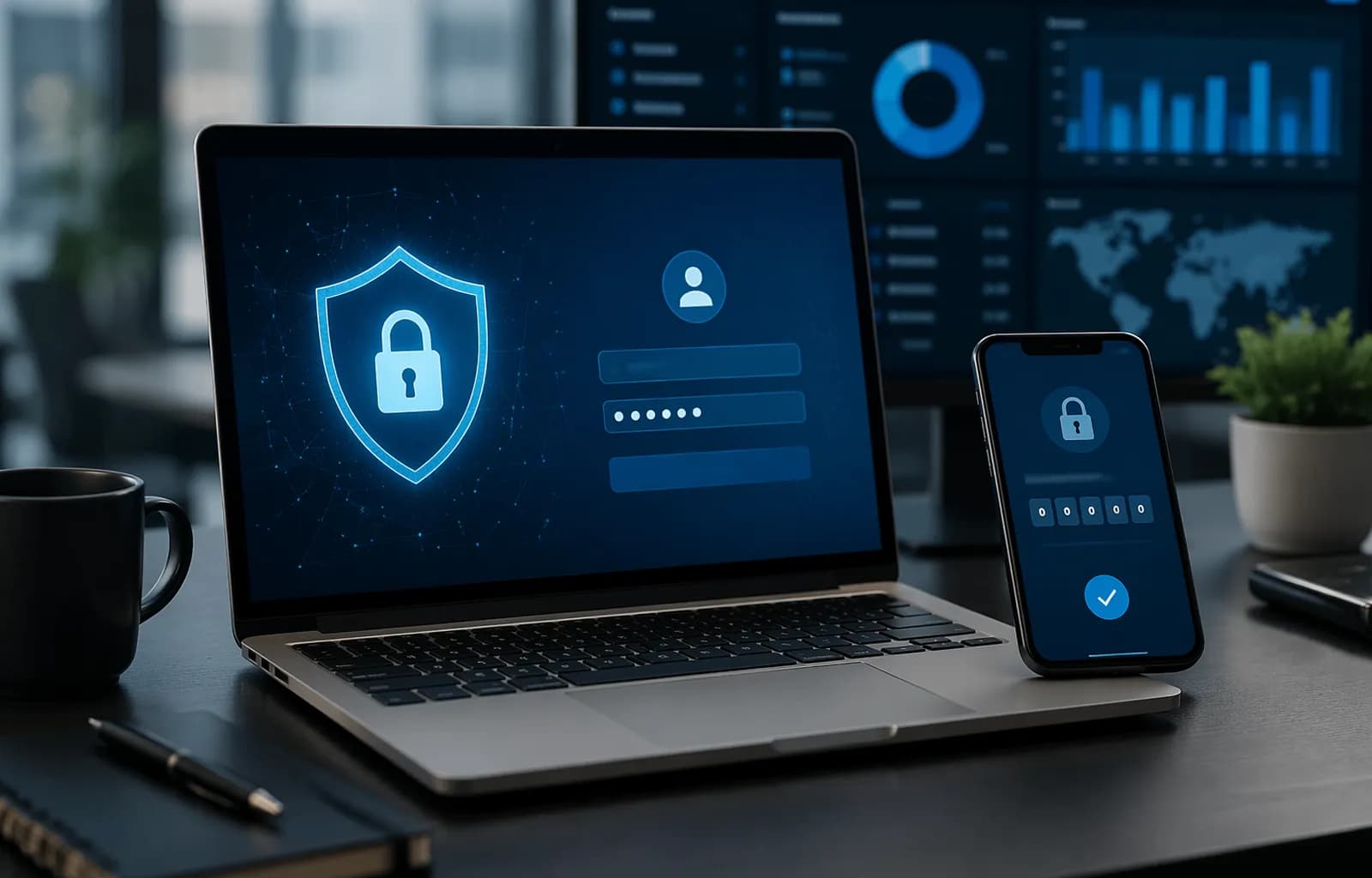
Multi-Factor Authentication, or MFA, adds another verification step during login. This means an attacker cannot access an account with the password alone. They still need another factor, such as an authenticator app, biometrics, or a security code.
Enable MFA on priority accounts first. Start with business email, financial accounts, ad dashboards, e-commerce platforms, cloud storage, and website admin accounts. Use an authenticator app or passkey when available instead of relying only on SMS.
Habit 5: Do Not Share Passwords Through Chat
Sharing passwords through chat, email, or shared documents increases risk. Messages can be forwarded, searched, screenshotted, or viewed by unauthorized people.
Use the secure sharing feature inside a password manager. If a vendor needs access, create a separate account with limited permission. Do not give away the main admin account if the task only needs operational access.
Habit 6: Review Access Regularly
Every business should know who has access to each system. Schedule an access review at least once every three months. Check active employees, former employees, vendors, freelancers, and connected devices.
Remove access that is no longer needed. Reduce admin roles when they are not required. High-privilege accounts should be limited, monitored, and protected with MFA.
Habit 7: Watch for Phishing
A strong password can still be stolen if a user enters it on a fake login page. Phishing often imitates banks, payment platforms, cloud services, marketplaces, or security alerts.
Train teams to check sender addresses, website domains, login buttons, attachments, and urgent wording. Do not log in from suspicious links. Open services directly from the browser or official bookmarks.
Quick World Password Day Checklist for Businesses
- Replace weak or reused passwords.
- Enable MFA on all critical accounts.
- Use a password manager for the team.
- Remove access for former employees and old vendors.
- Limit the number of admin accounts.
- Delete passwords from spreadsheets, chats, and personal notes.
- Train teams to recognize phishing.
Conclusion
World Password Day gives businesses a clear reason to improve account security habits. The steps do not need to be complicated. Start with unique passwords, MFA, a password manager, and routine access reviews.
These small habits can reduce major risks. The better a business manages access, the stronger its protection becomes for data, customers, reputation, and daily operations.