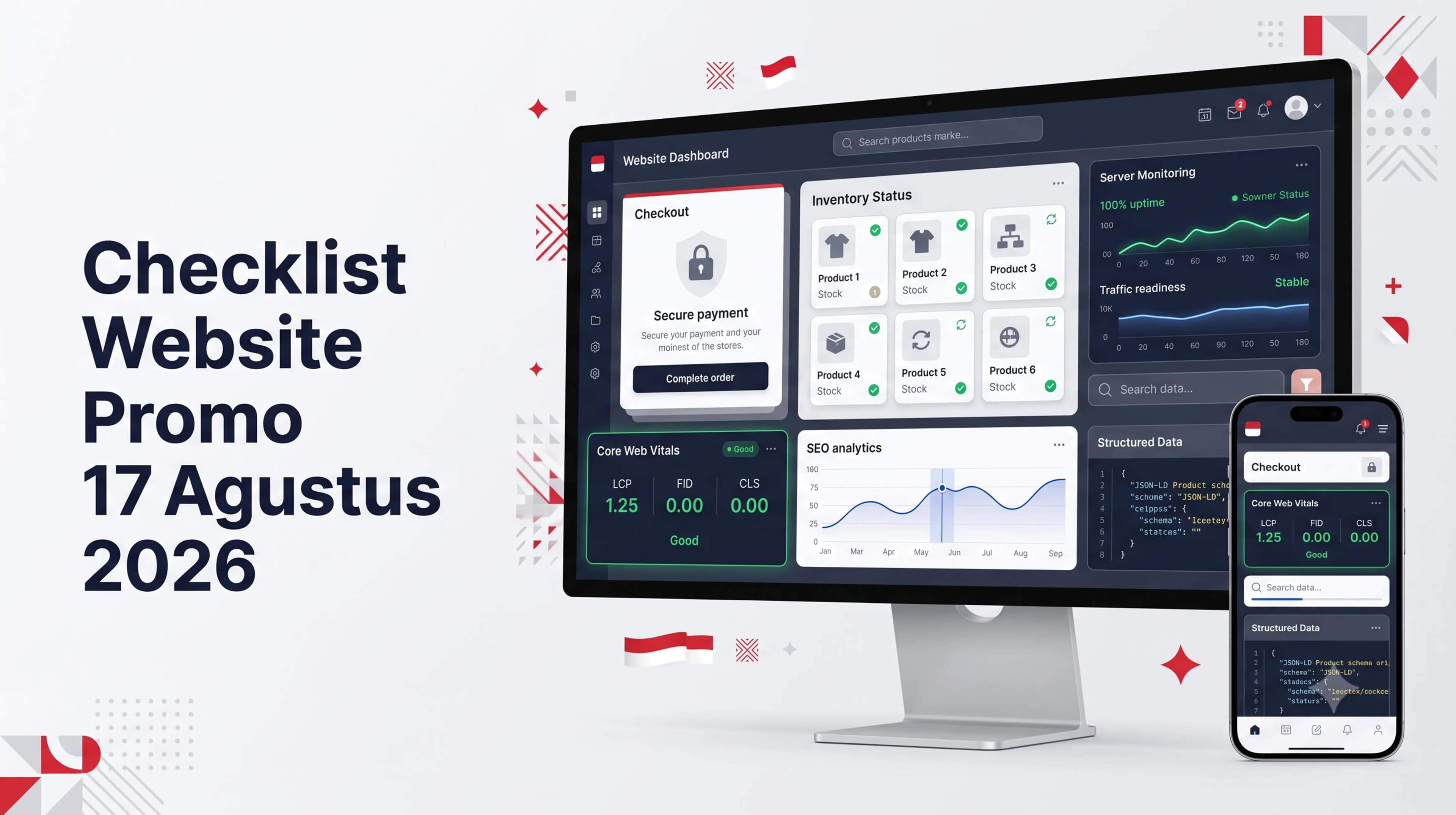
Indonesia's Independence Day promotions can send a large number of visitors to a website within a short period. Traffic matters only when the website turns visits into completed transactions. Slow pages, stock errors, failed coupons, and broken checkout can waste campaign spending and damage trust.
Use this checklist to review performance, checkout, inventory, infrastructure, security, SEO, analytics, and incident response before launch.
1. Start with Business Targets and Campaign Scenarios
Do not begin with the promotional banner. Define the featured products, campaign period, discount value, coupon quota, purchase limits, transaction target, average order value, and operational capacity. These decisions determine the technical requirements.
Planning checklist
- Set the campaign start and end times with a clear time zone.
- Select eligible products and list all exclusions.
- Define minimum spend, maximum discount, coupon quota, and reuse rules.
- Estimate peak traffic from advertising, email, social media, and previous campaigns.
- Assign decision owners for marketing, operations, finance, and technology.
Prepare normal, high-traffic, and incident scenarios. Each scenario needs operating limits and clear actions, including when to add capacity, disable nonessential features, or pause the campaign.
2. Review Website Speed and Core Web Vitals
Many promotional visitors arrive on mobile devices and mixed network conditions. Test the website under realistic conditions, not only on a desktop connected to the office network.
Google uses Largest Contentful Paint, Interaction to Next Paint, and Cumulative Layout Shift to assess key parts of page experience. Recommended targets are an LCP of 2.5 seconds or less, an INP of 200 milliseconds or less, and a CLS of 0.1 or less at the 75th percentile of visits.
Pages that require testing
- The promotional landing page, categories, and search results.
- Product pages with variants and recommendations.
- Cart, checkout, payment, and order confirmation pages.
Priority improvements
- Compress banners into WebP or AVIF at the correct dimensions.
- Do not lazy-load the primary image when it is the LCP element.
- Lazy-load images below the initial viewport.
- Remove third-party scripts that do not support the sales process.
- Use caching, a CDN, compression, and asset minification.
- Set image and media dimensions to prevent layout shifts.
Read Code Hero's guides to website loading speed and Core Web Vitals and WebP versus AVIF image formats.
3. Test Checkout, Coupons, Shipping, and Payments
Test checkout as one complete customer journey. Isolated testing can miss feature conflicts, such as a coupon changing shipping fees, inventory being reduced too early, or a payment status failing to return to the website.
Minimum test scenarios
- Guest checkout and registered-user checkout.
- One product, multiple products, and product variants.
- Valid, expired, exhausted, and ineligible coupons.
- Multiple shipping regions and payment methods.
- Successful, pending, failed, cancelled, and expired payments.
- A user clicking the payment button twice or returning to the previous page.
Keep totals consistent across the cart, checkout, payment gateway, invoice, and admin dashboard. Display additional charges before payment. Error messages should explain the problem and the next action. A temporary failure should not erase the cart.
Review payment gateway webhooks so repeated notifications do not create duplicate orders. Every transaction needs a unique ID, timestamp, status, and reconciliation path for the finance team.
4. Synchronize Inventory, Pricing, Bundles, and Promotion Rules
A large promotion can create inventory conflicts within seconds. The system must define when stock is reserved, deducted, and returned after a failed or expired payment.
Inventory and catalog checklist
- Match website inventory with warehouse, POS, ERP, or marketplace records.
- Audit SKUs, variants, regular prices, sale prices, and active periods.
- Set per-account purchase limits when necessary.
- Prevent out-of-stock products from reaching payment.
- Test cancellation and automatic inventory restoration.
Use one primary source of inventory data. When several sales channels are connected, define synchronization intervals and conflict-resolution rules before the campaign. Avoid manual updates during peak traffic.
For a connected catalog, checkout, payment, shipping, order, and inventory system, review Code Hero's e-commerce website development service.
5. Prepare Servers, Databases, Caching, and Monitoring
The server does not need to be as large as possible. It needs enough capacity for expected demand plus a reasonable safety margin. Run controlled load tests in a representative environment and increase traffic gradually. Do not send uncontrolled extreme load to production.
Components to review
- CPU, memory, storage, bandwidth, and database connections.
- API response times for catalog, inventory, shipping, coupons, and payments.
- Page cache, object cache, CDN, process queues, timeouts, and retries.
- Autoscaling or a documented manual capacity-increase procedure.
- Uptime monitoring, error tracking, centralized logs, and alerts.
Test page delivery and transaction processing separately. Cached pages may remain fast while the database becomes overloaded by simultaneous coupon checks and payment requests.
6. Improve the Promotional Landing Page SEO
Use one clear H1, a specific title, a concise description, a clean URL, descriptive image alt text, relevant internal links, and visible promotion terms. The page should answer the customer's main questions without forcing them to search on another channel.
SEO elements to check
- Unique meta title and meta description.
- A canonical tag pointing to the correct URL.
- Open Graph and Twitter Card tags with a 16:9 image.
- Article, BreadcrumbList, and FAQ schema that match visible content.
- No accidental blocks from robots.txt or a noindex tag.
- Internal links from relevant services and articles.
Do not immediately delete a campaign page that has earned traffic or links. Update it, guide visitors to the next active offer, or keep it as an evergreen resource when demand returns each year.
Strengthen the site through Code Hero's professional website development service and SEO and digital services.
7. Review Security, Backups, and Access Control
Freeze high-risk changes close to launch unless an update fixes a critical vulnerability. Record application, plugin, theme, library, and configuration versions before every change.
- Confirm that SSL works and mixed content is removed.
- Enable login protection, rate limiting, and bot controls.
- Remove inactive accounts and apply least-privilege access.
- Back up files and databases, then test the restore process.
- Check domains, certificates, API tokens, and integration credentials.
- Keep personal data out of public errors and exposed logs.
8. Activate Analytics, Dashboards, and Incident Procedures
Validate analytics events before publication. Important events should fire once and include useful parameters. Monitor item views, add-to-cart activity, checkout starts, coupon use, payment steps, purchases, failed payments, and application errors.
Combine marketing and technical metrics in one dashboard. Track active users, conversion rate, revenue, coupon use, best-selling products, critical inventory, error rate, response time, and payment status. Assign people to monitor, decide, and fix.
Practical review timeline
- D-30 to D-21: audit architecture, capacity, tracking, and integrations.
- D-14: finalize the landing page, catalog, pricing, and coupons.
- D-7: run load tests, full checkout tests, and incident simulations.
- D-3: freeze major changes and resolve priority findings.
- D-1: back up data, run smoke tests, validate inventory, and check payments.
- Launch day: activate monitoring and document key decisions.
- D+1: reconcile transactions and review campaign performance.
Prepare Your Promotion Website with PT Code Hero Indonesia
PT Code Hero Indonesia helps businesses build and maintain fast, stable, SEO-friendly websites that are ready to process transactions. The team can audit performance, repair checkout flows, integrate payment gateways, improve Core Web Vitals, organize inventory, strengthen infrastructure, and provide campaign maintenance.
An early audit gives your team time to test fixes before advertising spend and business reputation are exposed to avoidable risk.
Frequently Asked Questions
When should website preparation begin?
Begin the main audit three to four weeks before the campaign. Freeze high-risk changes several days before launch and run a final check on the day before the promotion.
Which website areas should receive the highest testing priority?
Prioritize the landing page, search, product pages, cart, checkout, payment, inventory updates, order notifications, and the operational dashboard.
Is load testing necessary?
Load testing is strongly recommended for websites that process transactions or expect traffic spikes. Test scenarios should reflect realistic user behavior.
References
- Sundjaja, A. M., Tatuil, A. V., Scholus, D. V., & Restiani, Y. D. (2024). The determinant factors of shopping cart abandonment among e-commerce customers in Indonesia. CommIT (Communication and Information Technology) Journal, 18(1). https://doi.org/10.21512/commit.v18i1.9308
- Wang, S., Cheah, J.-H., & Lim, X.-J. (2023). Online shopping cart abandonment: A review and research agenda. International Journal of Consumer Studies, 47(2), 453-473. https://doi.org/10.1111/ijcs.12876
- Walton, P. (2024). Web Vitals. web.dev. https://web.dev/articles/vitals
- Google Search Central. (2025). Introduction to structured data markup in Google Search. https://developers.google.com/search/docs/appearance/structured-data/intro-structured-data